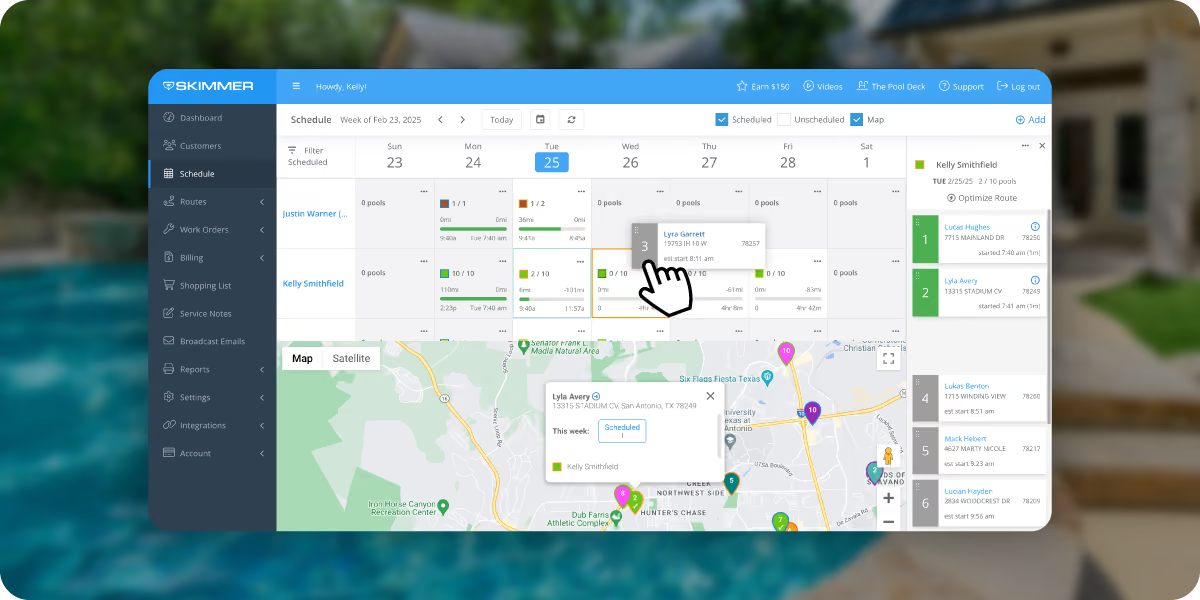
Get your customers into Skimmer's customer portal fast. This ready-to-use template walks you through every step — from activating the portal to sending invites, rolling out AutoPay, and following up by phone. Copy, customize, and launch.





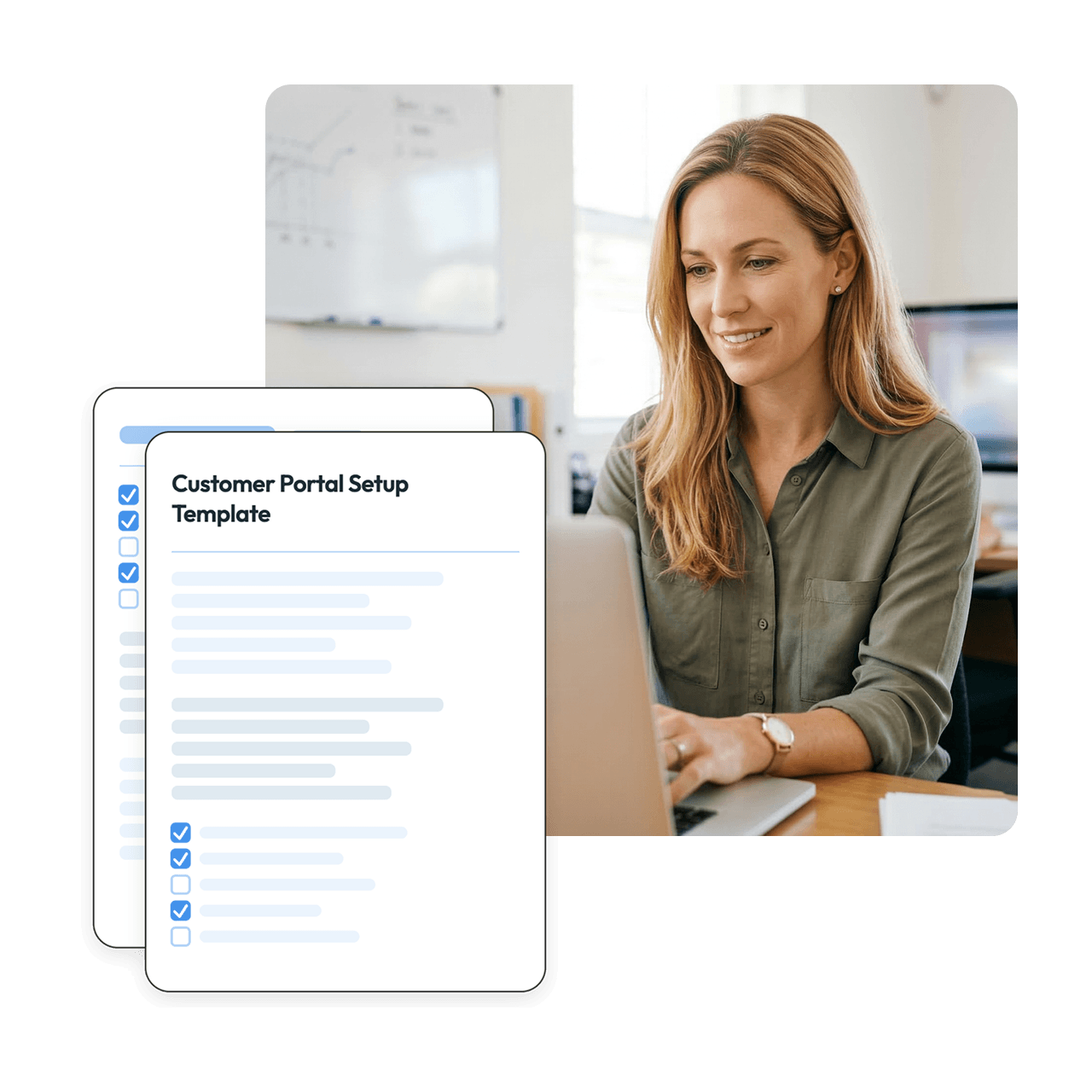
Ready-to-send emails Both customer-facing email templates are written and formatted. Customize the placeholders and send — no copywriting needed.
Step-by-step rollout order The four-step sequence is organized so nothing falls through the cracks, from portal activation to follow-up calls.
Works with any customer base Whether you have 30 customers or 300, the outreach process scales. The call step even includes a tip for staying organized as you work through your list.
Built around how Skimmer actually works Every step maps to real Skimmer functionality: portal activation, invite links, broadcast email, and AutoPay enrollment options.
Here's what you'll find in this template:
Step 1: Download the template Enter your contact details and get the template in Word or Google Docs format.
Step 2: Activate your customer portal Follow the included activation instructions in your Skimmer account before sending anything to customers.
Step 3: Send portal invites Use the provided invite email (Step 8 in the setup guide) to send individual portal invitations. Customize the subject line, portal URL, and contact information.
Step 4: Send the AutoPay broadcast email Customize the broadcast email template with your company name, portal link, and phone number, then send it to your full customer list.
Step 5: Follow up by phone Work through your customer list alphabetically to reach anyone who hasn't activated yet. Personal outreach makes a measurable difference in adoption.
Is this template really free?
Yes, 100% free. Enter your contact details to download it in Word or Google Docs format.
Do I need to be a Skimmer customer to use this?
Yes. The template is built around Skimmer's customer portal and AutoPay features. If you're not yet using Skimmer, [link to relevant page].
Can I customize the email copy?
Absolutely. Every template includes clearly marked placeholders for your company name, portal URL, and contact information. The structure is built to work as-is, with room to adjust tone for your brand.
What if a customer doesn't want to set up AutoPay?
The broadcast email includes three separate enrollment options — portal self-service, paying an invoice online, and calling your office. Customers can choose whichever method works for them.
How long does this rollout typically take?
Most operators can complete all four steps within a week, depending on the size of their customer base and how quickly customers respond to the invite email.