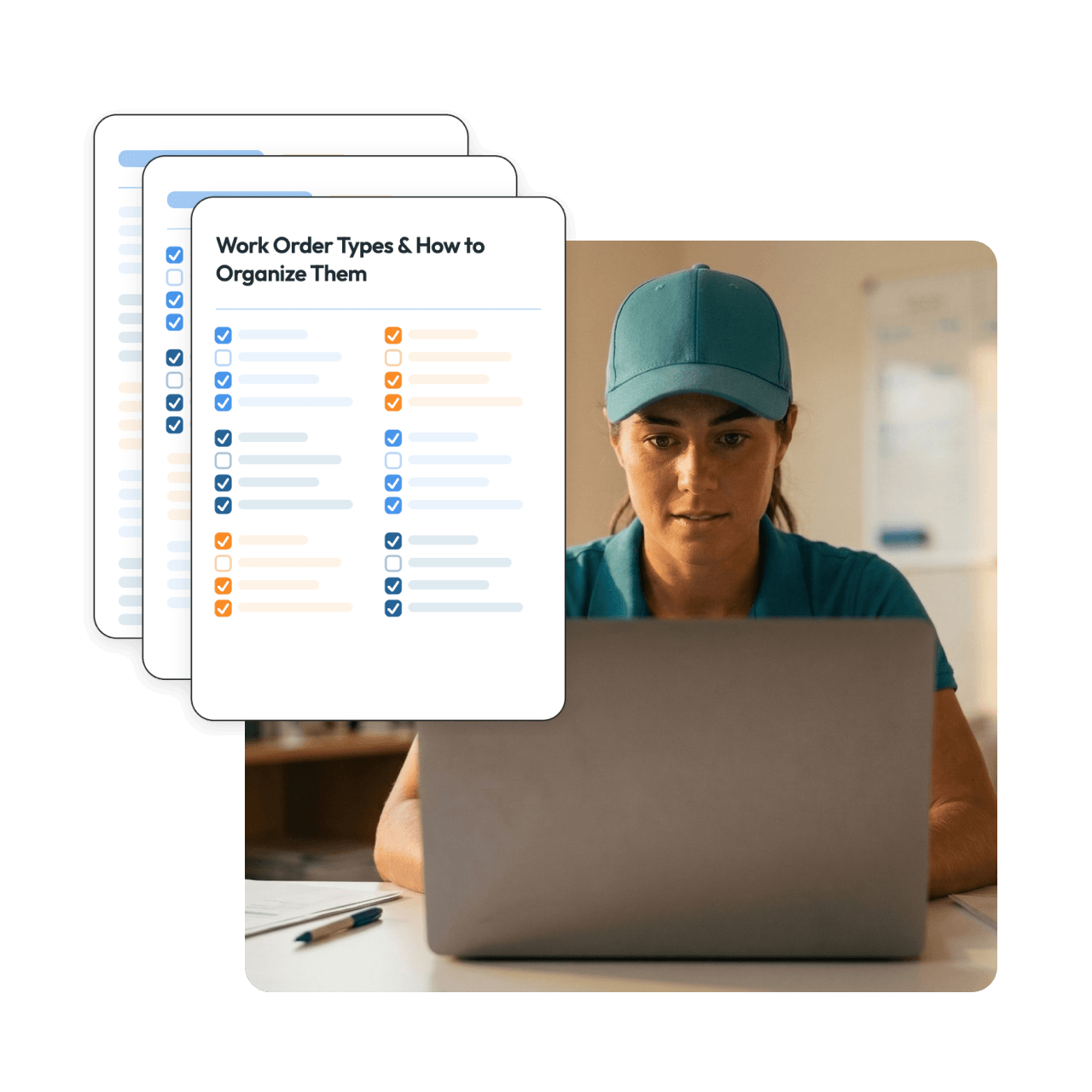
Not sure how to organize work orders in Skimmer — or what types to create in the first place? This free guide gives you a full list of work order type examples and practical ways to organize them, so your team always knows what they're looking at and what needs to get done.





A starting point, not a blank page Instead of building your work order types from scratch, start with a comprehensive list organized by category and customize from there.
Covers more than you might expect Pool cleaning, repairs, routine maintenance, inspections, seasonal work, admin, fleet, and remodels — the full range of what pool service companies actually track.
Practical organization tips included Learn how to use colors, prefixes, and headers to make your work order list scannable and consistent across your team.
Built around how Skimmer works Every recommendation in this guide maps directly to Skimmer's work order setup, so there's no guesswork about what's actually possible.
Work order type examples across eight categories:
Plus tips on:
Is this guide free?
Yes, completely free.
Do I need to be a Skimmer user to use this guide?
The guide is designed specifically for Skimmer users and maps to Skimmer's work order functionality. If you're evaluating Skimmer, it also gives you a clear picture of what the platform can support.
How many work order types should I create?
The guide addresses this directly. The short answer: fewer is usually better. A simpler system is easier to implement and easier to maintain consistently as your business grows.
Can I customize work orders in Skimmer beyond the names?
Yes. The guide covers the full range of customization options, including color codes, invoice settings, photo requirements, customer email triggers, checklists, recurring reminders, and line item pricing.
Can I control which work orders send an email to my customer?
Yes. Skimmer lets you configure this per work order type. The guide includes a simple naming convention you can use to keep track of which ones are set to notify customers.