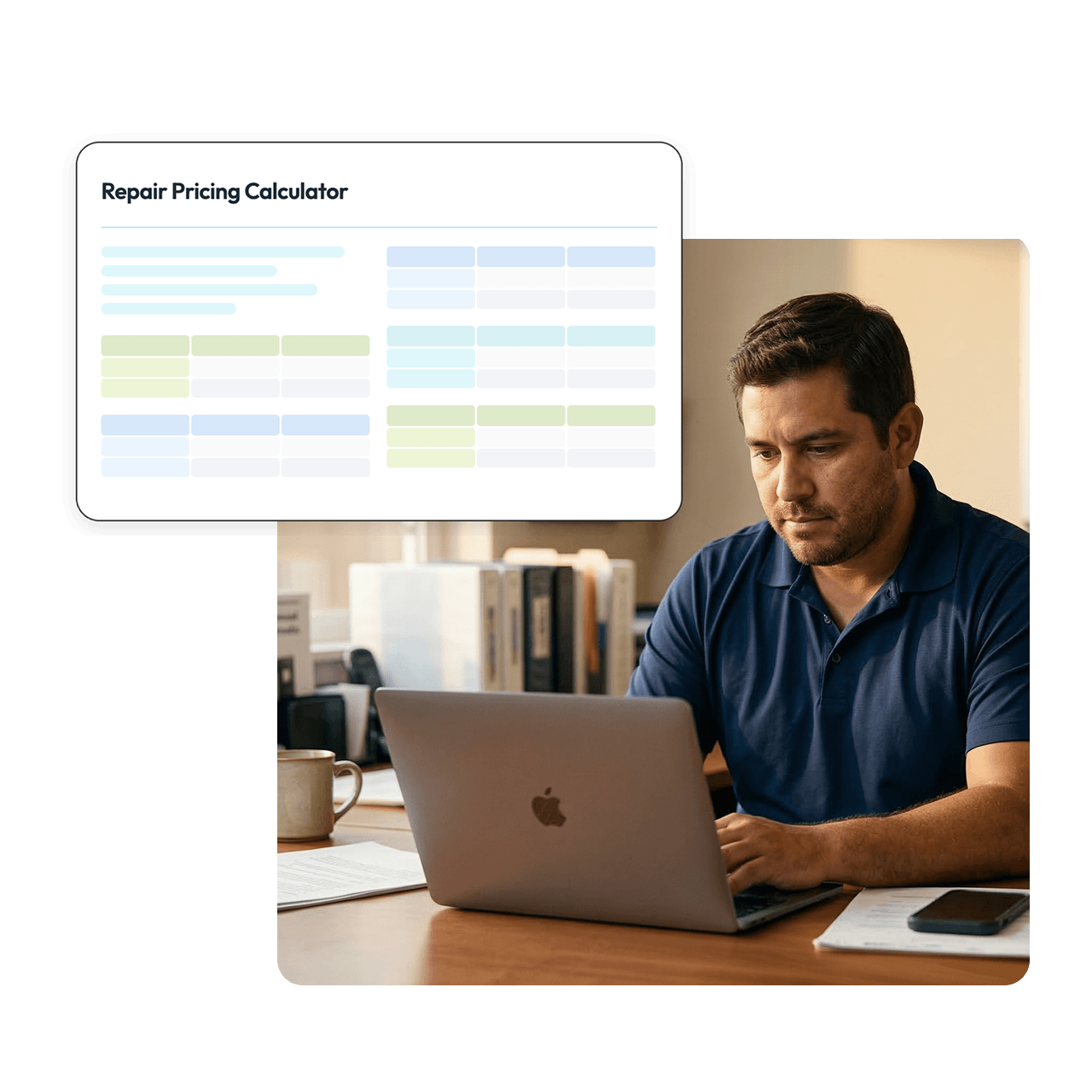
Stop guessing on repair estimates. This spreadsheet calculates your parts markup, labor, merchant fees, and profit margin in one place, so every quote you send is built on real numbers. Created by Casey Graham of Yummy Pools.





Know your margin before you quote The calculator surfaces your estimated profit margin automatically. If it's under 30%, you'll see it before the quote goes out, not after the job is done.
Accounts for costs most techs forget Parts cost alone doesn't build a profitable quote. This calculator factors in parts markup, sales tax, labor hours, and merchant processing fees together.
Set it up once, reuse it every job Enter your labor rate and standard markup percentage once. After that, each new estimate takes less than two minutes to fill out.
Built on a real operator's numbers Developed by Casey Graham of Yummy Pools, a working pool service operator. The defaults reflect what actually pencils out in the field: 50% parts markup, $175/hour labor, 3% merchant fees.
The calculator handles the full estimate in a single view:
1. Download or copy the spreadsheet Download as an Excel file or make a copy in Google Drive to get an editable version.
2. Enter your labor rate Set your hourly labor rate in the designated cell. The default is $175/hour; adjust to match what you charge.
3. Add your part costs Enter the cost of each part in cells E3 through E7. The subtotal and tax calculate automatically.
4. Check your markup percentage The default markup is 50%. If your market or part costs require a different rate, adjust it in cell D13.
5. Enter the hours needed Add the estimated labor hours for the job. The calculator applies your rate and adds it to the total.
6. Review the profit margin Check that your profit margin lands at 30% or above. If it doesn't, adjust your markup percentage until it does before sending the quote.
Is this calculator really free?
Yes, 100% free. Enter your contact details to download it.
Do I need special software to use it?
No. The calculator works in Google Sheets (free) or Microsoft Excel. Make a copy in Google Drive or download it from the File menu to get an editable version.
Can I change the default labor rate and markup?
Yes. The labor rate, markup percentage, sales tax rate, and merchant fee percentage are all adjustable. The defaults reflect common field rates, but you should set them to match your actual costs.
Why is 30% the target profit margin?
It's a widely used benchmark in the trades for repair work. Margins below that level often mean a job isn't covering overhead and indirect costs even if it looks profitable on paper.
Can I use this for larger jobs with more than five parts?
The current version has five part line items. For more complex jobs, you can duplicate the sheet or add rows to the parts section.